




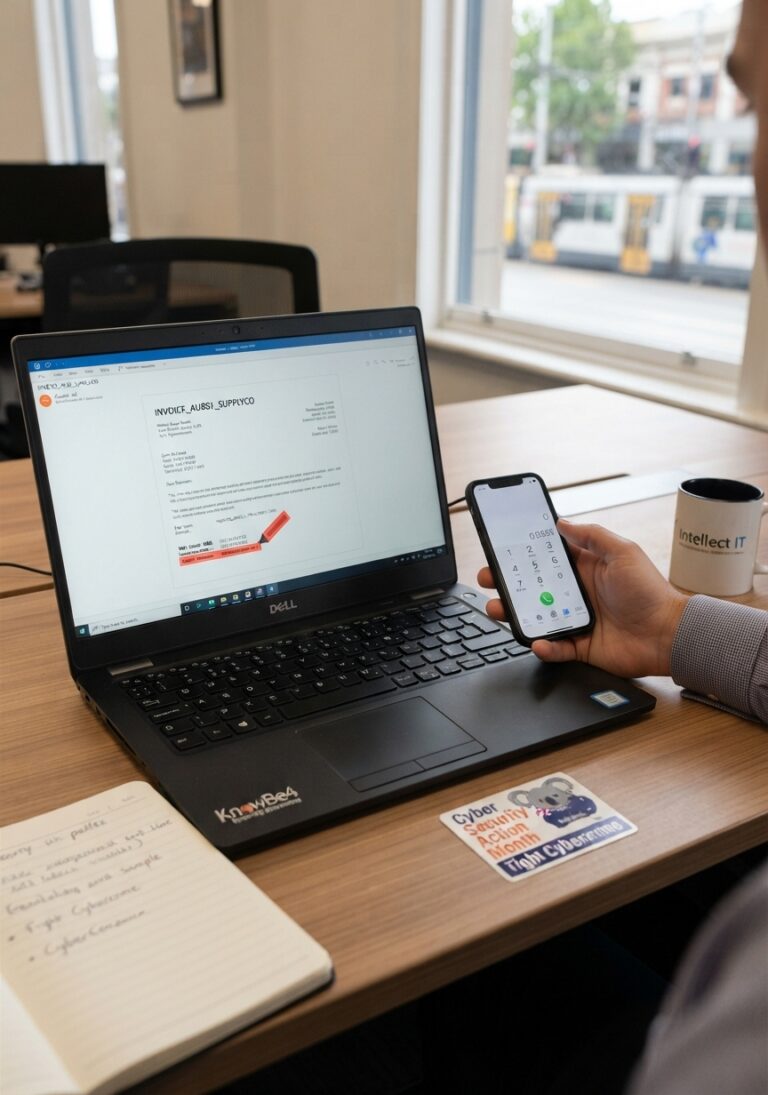
How to Spot Phishing Scams Before You Pay
Phishing scams and fake invoices hit Australian businesses hard. Learn 5 red flags, test yourself on a real-looking invoice and the one habit that stops them.

Stephen Allan•Microsoft 365 Security Guide•8 min read
If staff are using personal phones for Outlook, Teams and OneDrive, the real question is not which acronym is better. It is whether you need to control the company data, the device itself, or both. For most SMB Microsoft 365 environments, MAM is the better starting point for BYOD because it protects business data inside supported apps without forcing staff to hand over full control of their personal devices. MDM still matters when the business owns the device, needs compliance enforcement, or must control certificates, patching, encryption and full wipe capability.
If your team already uses Outlook, Teams and OneDrive on a mix of personal and company devices, you need to decide whether to secure just the apps or the whole device. The comparison below highlights the practical trade-offs in control, privacy, wipe capability and rollout effort so you can pick the right starting point for your Microsoft 365 environment.
| Feature | MAM | MDM |
|---|---|---|
| Primary focus | Protect data inside work apps | Manage and secure the whole device |
| Best fit | BYOD and mixed environments | Company-owned devices |
| User privacy | Higher, because controls apply to business apps and data | Lower, because the device is enrolled and managed |
| Wipe capability | Selective wipe of company data | Full device wipe, depending on enrolment and policy |
| Deployment friction | Lower | Higher |
| BYOD suitability | Ideal for many Microsoft 365 scenarios | Possible, but often seen as intrusive on personal devices |
| Technical area | MAM | MDM |
|---|---|---|
| Control plane | App-level policy enforcement through supported Microsoft 365 apps | Device enrolment, configuration profiles, compliance policies and endpoint controls |
| Enrolment requirement | Not required when using MAM without enrolment | Required for full management |
| Data separation | App protection boundaries that separate work data from personal data | Device-level management, profile separation or full endpoint control depending on platform |
| Authentication controls | App PIN, biometrics and work-context access controls | Device compliance, sign-in requirements, certificates and OS posture |
| Storage controls | Restrict save-as, copy/paste and data movement from managed apps | Broader storage, encryption and local device controls |
| Where it is weaker | Less suitable for unsupported apps or deep device controls | Often too heavy-handed for personal devices |
Tip: use the simple view for business discussion and the technical view when planning your Microsoft Intune configuration.
Answer four quick questions to see which model is likely to suit your environment. Your recommendation will update automatically as you choose each answer.
Choose the four answers above to generate a tailored MAM, MDM or hybrid recommendation.
Why: The tool weighs device ownership, compliance obligations, application mix and staff privacy expectations.
Next step: Once the recommendation appears, use it as a starting point for your Microsoft 365 and Intune planning.
MAM-first usually wins when people use personal phones, the core business apps are Microsoft 365 apps, and the organisation wants strong data protection without a heavy privacy backlash. In this model, the business protects email, files, Teams messages and business data movement without managing the entire phone.
MDM becomes more important when the organisation owns the device or needs stronger controls such as compliance enforcement, certificates, device compliance, patching and full wipe. This is common for corporate laptops, shared devices, field devices and higher-trust environments.
MAM + MDM is the normal end-state for mixed estates: MAM for BYOD, MDM for corporate endpoints. The key is to match control level to device ownership and risk rather than forcing one policy model across every user and device.
Staff use their own iPhones and Android devices for Outlook and Teams.
Use MAM to protect business data inside Microsoft 365 apps without fully managing the phone.
The business issues Windows laptops and wants standardised controls.
Use MDM for device compliance, encryption, updates and management across the fleet.
Corporate laptops are used alongside personal mobiles for email and Teams.
Use MDM for company-owned endpoints and MAM for personal mobile access.
Compliance obligations, cyber insurance or stronger audit requirements apply.
Use stronger device controls where required, then add MAM where app-level protection adds value.
A sensible Microsoft 365 BYOD project usually starts by identifying device ownership, classifying the apps and data being accessed, and deciding where selective app-level protection is enough versus where the organisation needs full device compliance.
Use this checklist before rolling out MAM, MDM or a combined Intune policy model.
Use the decision tool above as a first filter, then map device ownership, app usage, compliance requirements and staff privacy expectations before rolling out policy. Intellect IT can help design a Microsoft 365 and Intune approach that protects company data without adding unnecessary friction.
Talk to Intellect ITMAM protects company data inside applications such as Outlook, Teams, OneDrive and SharePoint. MDM manages the device itself, including settings, compliance, encryption, certificates and wipe options.
For most Microsoft 365 BYOD scenarios, MAM is the better starting point because it protects company data while respecting personal device privacy. MDM can be appropriate when the organisation owns the device or needs deeper control.
Yes. Microsoft Intune supports app protection policies without full device enrolment, which is useful when staff access Microsoft 365 apps from personal devices.
You need MDM when the business must manage the device itself, enforce device compliance, deploy certificates or Wi-Fi settings, control patching and encryption, or perform full device wipe for company-owned devices.
Yes. Many real-world environments use MAM and MDM together. MAM protects data inside apps, while MDM manages corporate devices and enforces broader endpoint controls.
Conditional Access helps restrict Microsoft 365 access based on user, device, app, location and risk conditions. It is often used alongside MAM or MDM to tighten access without relying on a single control.

Phishing scams and fake invoices hit Australian businesses hard. Learn 5 red flags, test yourself on a real-looking invoice and the one habit that stops them.

Protect your business from email impersonation, phishing and spoofing with DKIM and DMARC email security. Intellect IT helps Australian organisations configure, monitor and enforce email authentication.

Cloud backup gaps can leave Microsoft 365, cloud apps and critical data exposed. Learn what native tools miss and how to prove your business can recover.